
Player ESP controls
Enable
Master switch for player ESP.
Max Distance Slider
Caps how far player ESP draws.
Font Size Slider
Text size for player labels.
Nickname
Shows player names when enabled.
Distance
Shows distance to each labeled player.
Box
2D box around players.
Box Thickness Slider
Thickness of player boxes.
Lines
Snaplines from a screen anchor to players.
Lines Thickness Slider
Thickness of player snaplines.
Custom Lines Position
Anchor position for snaplines.
Skeleton
Skeleton overlay on player models.
Skeleton Thickness Slider
Thickness of skeleton lines.
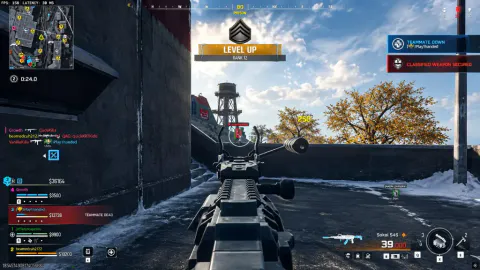
Wallhack as separate toggles
Stacked boxes and skeleton lines are what most players mean by a wallhack. Here each read is its own toggle: box, lines, skeleton, nickname, and distance.
Colors live in misc
Custom visible, non-visible, nickname, and distance colors for players are under color options in the misc module.
Works well with
Related guides
Related reading
Player ESP ships with the full menu
One license covers every module. Monthly is $35 for 31 days. Lifetime is $150.
Around the site
Status, checkout, and the guides that sit around this module.